Classroom Keepsakes · Free resources
Teacher Appreciation Plaques planning tools
Classroom Keepsakes has ten free planning tools for room parents, PTA committees and school offices. They count gifts for a whole staff, total a collection from quoted figures, test whether a class message fits a plate, and draft dedications and award titles. Two date tools work backward from a reception or Appreciation Week. Every result comes from numbers you enter yourself.
A classroom gift from students needs a different dedication from a district service award. Agree on who is speaking in the message before choosing wording. Check names, teaching titles and collective signatures in one approved list so individually submitted notes do not conflict.
calculator
Quantity Calculator
Count gifts for a whole staff: teachers times pieces each, plus team awards for support groups and any spares the committee decides on.
calculator
Budget Estimator
Turn a quoted unit cost, setup, shipping and tax into one collection total a room parent can divide among the families chipping in.
checker
Engraving Text Length Checker
Paste a class message line by line and see which lines run past the budget you set, before the proof shows the real layout.
calculator
Shipping & Timeline Estimator
Start from the day the gift must be in the organizer's hands and work back to the latest ship date, using durations from your quote.
checker
Material Comparison Tool
Compare two materials for a teacher gift, such as natural walnut against clear acrylic, by appearance and typical use before you pick a piece.
planner
Production Timeline Planner
Lay out a teacher gift order in reverse, from the presentation back to the day the class message must be finished and the proof reviewed.
generator
Engraving Wording Generator
Turn a teacher's name, the reason for thanks and the school year into three short inscription drafts a class can edit together.
planner
Event Award Planning Checklist
A step-by-step checklist for a teacher gift order, from the staff list and the message to the proof, delivery and placing the gifts.
generator
Award Title Generator
Enter a theme such as mentoring, patience or welcoming new students and get title ideas for a staff award that does not yet have a name.
generator
Plaque Wording Generator
Draft the heading, dedication and dates for a retirement, service or annual honor plaque from details the school has verified.
A useful order plan, in three decisions
Step 1
Count the actual pieces
Start with the recipients, positions or physical units in your order. Distinguish shared pieces from personal ones, and count packaging separately. Use the quantity tool to reconcile the inventory before discussing a product price.
Open the toolStep 2
Prepare the words and design
Choose the material direction around the intended use. Check exact names and identifiers, then use the text counter to edit line lengths. The final proof needs the product dimensions, artwork and approved wording together.
Open the toolStep 3
Review cost and timing
Enter current quoted costs into the budget tool and confirmed stage durations into the timeline. Keep unknown amounts or dates visible in your brief. The calculation helps you evaluate a proposal; it does not reserve production or purchase shipping.
Open the toolDetails to retain for your order: Preferred title, sender wording, class or school and dedication.
Choose the pieces your plan describes
Use these designs to discuss the physical format, personalization and intended use. The images are original AI-generated concepts; final dimensions, material and construction are developed in the quote and proof.
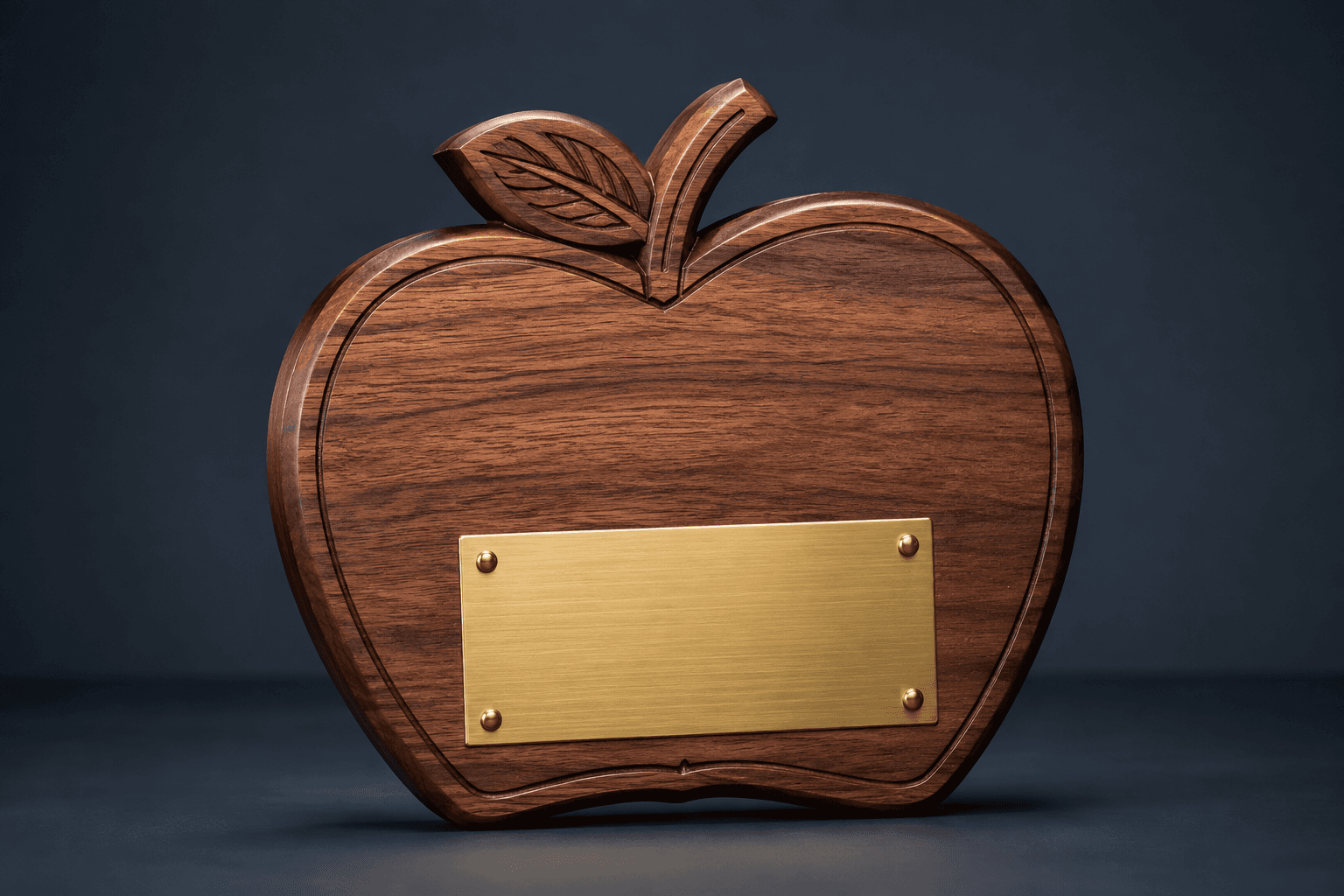
Design concept · Natural walnut and brushed metal
Teacher Appreciation Plaque
Choose one message that describes the teacher's impact in everyday language. A sentence about confidence, curiosity or kindness can carry more feeling than a formal list of teaching duties or school values.
Explore the design and personalization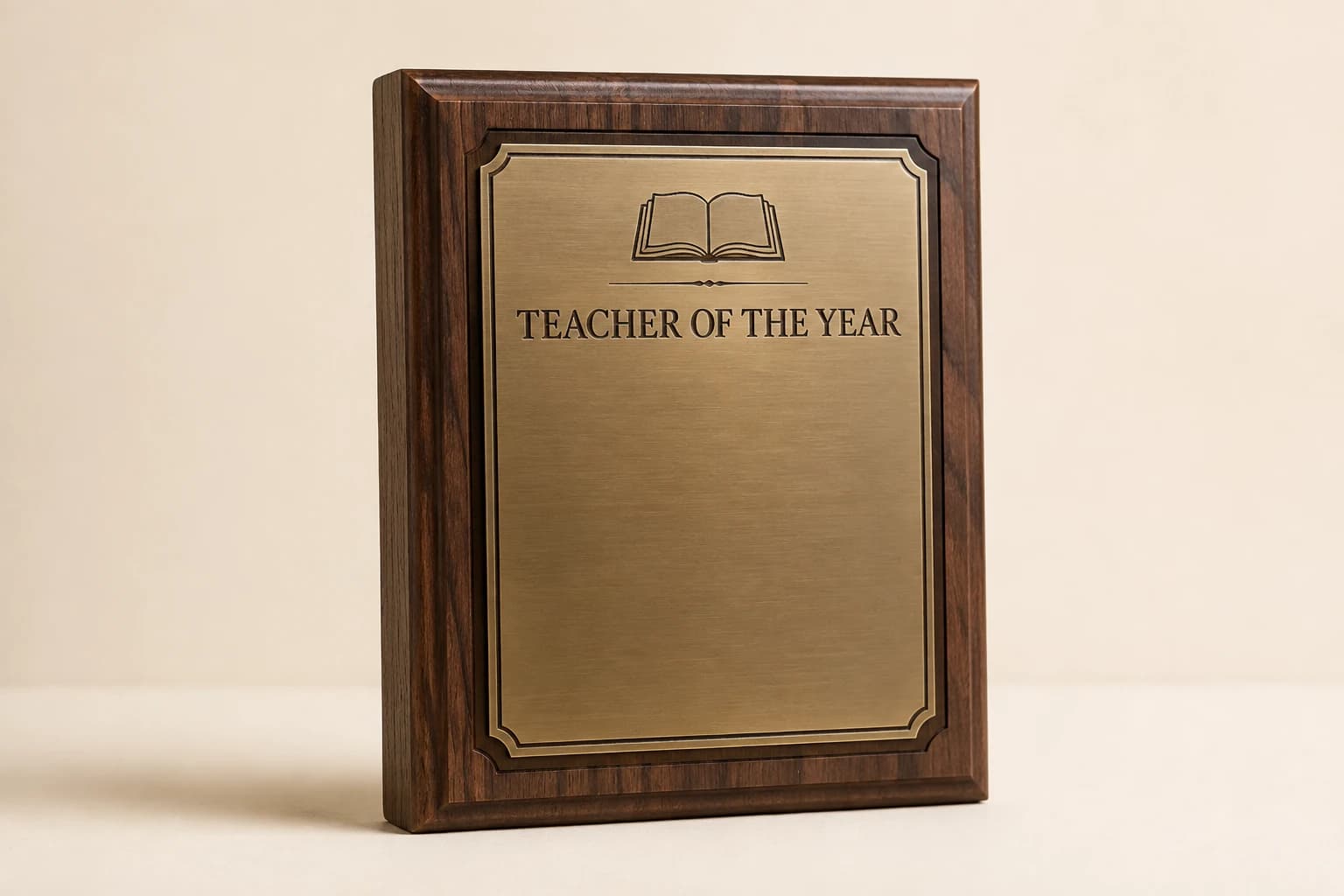
Design concept · Walnut with metal plate
Teacher of the Year Plaque
Confirm whether the distinction comes from the school, district or another organization. Include only the actual awarding body so the inscription accurately records the recognition without implying a wider competition.
Explore the design and personalization
Design concept · Clear acrylic
Crystal-Style Apple Acrylic Award
Keep the dedication brief enough to sit comfortably within the apple shape. For a longer class message or several signatures, choose a larger plaque or pair the keepsake with a separate thank-you card.
Explore the design and personalization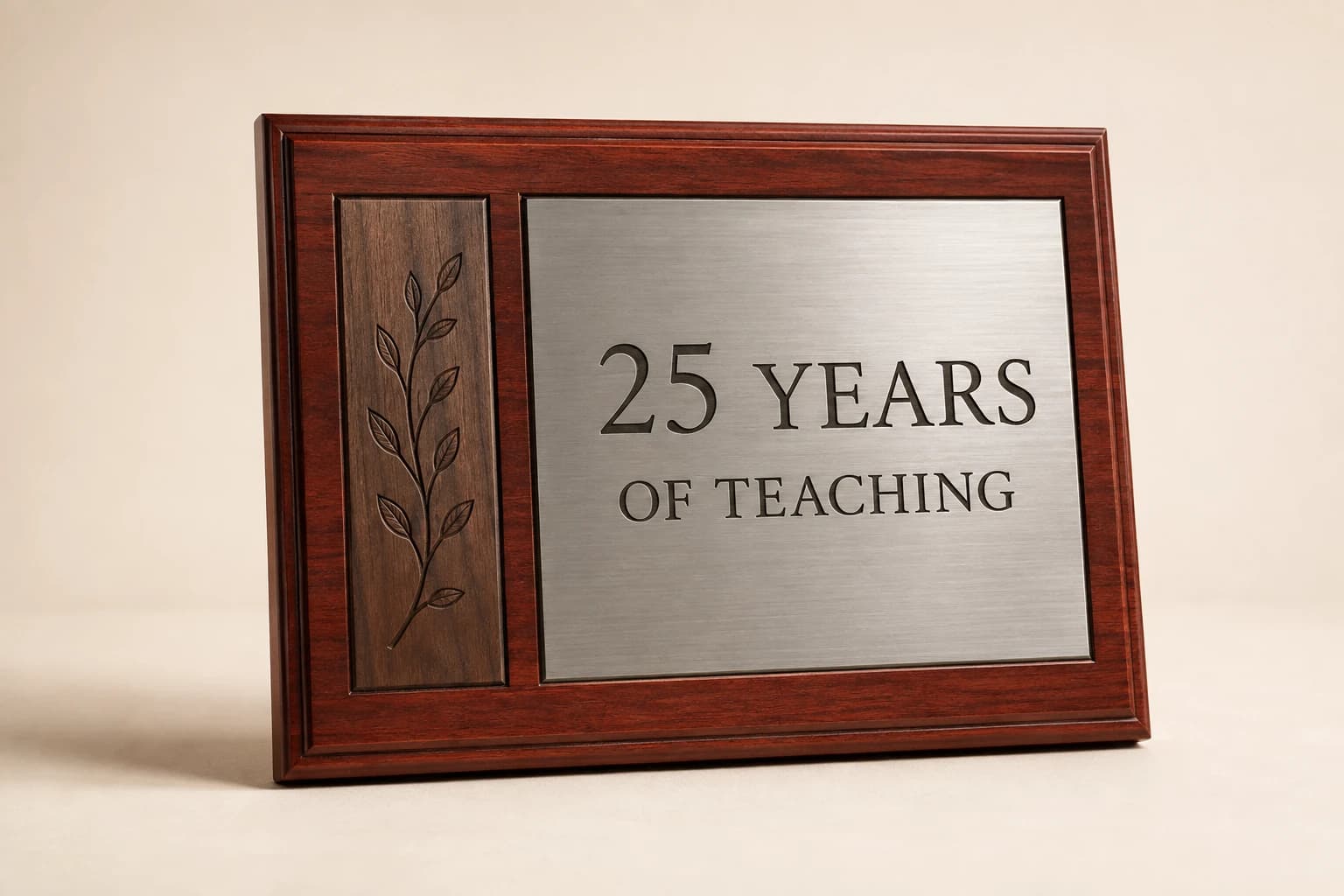
Design concept · Wood with engraved plate
Teacher Years-of-Service Plaque
Check whether the years refer to the current school or the teacher's full career. Those dates may differ; choose the relevant service period and make the presenting school or department clear.
Explore the design and personalization
Design concept · Acrylic
Classroom Impact Acrylic Award
Use a contribution the presenting group can honestly describe. A short line about helping students find their voice is more personal than an unsupported claim about test-score gains or schoolwide results.
Explore the design and personalizationFrom planning result to a useful quote request
The calculators run in your browser. Where a tool offers a quote button, choosing it saves the result as a draft for this brand in the same browser tab. Review the message on the quote page and add the product, material, dimensions, destination and required date. The draft is sent only when you submit the contact form.
Worked examples explain the arithmetic and wording choices. They use sample details and do not represent completed customer orders. Keep your actual names and identifiers in your approved source file, and ask for written confirmation of the final design, price and delivery plan before production.
Which buying guide should you read next?
All buying guidesApprove the meaning, names and visual hierarchy in both languages, then check the actual typeset proof rather than treating a translation or character count as a complete engraving approval.
Choose the message first, then select a plaque, desk piece or keepsake with enough room to display it clearly. Confirm the teacher's preferred name and title, and decide whether the gift represents one student, a class or the school. Keep a group message focused rather than squeezing every contribution into a small inscription.
Define who is giving the recognition, which teachers receive it and who approves the message before combining class contributions with school-wide awards.
Keep recipient approval, school identity and delivery ownership attached to each gift so a combined purchase can reach several schools without creating duplicate recipients or mismatched messages.
Classroom Keepsakes quote
Send your teacher appreciation plaque plan for pricing
For teacher appreciation plaques, Classroom Keepsakes prices from the piece, number of teachers, message and sender, teacher's name, artwork and presentation date. Paste the planning result into the message.